

Nova Meridian GPU Store Nova Meridian GPU Store · Seoul
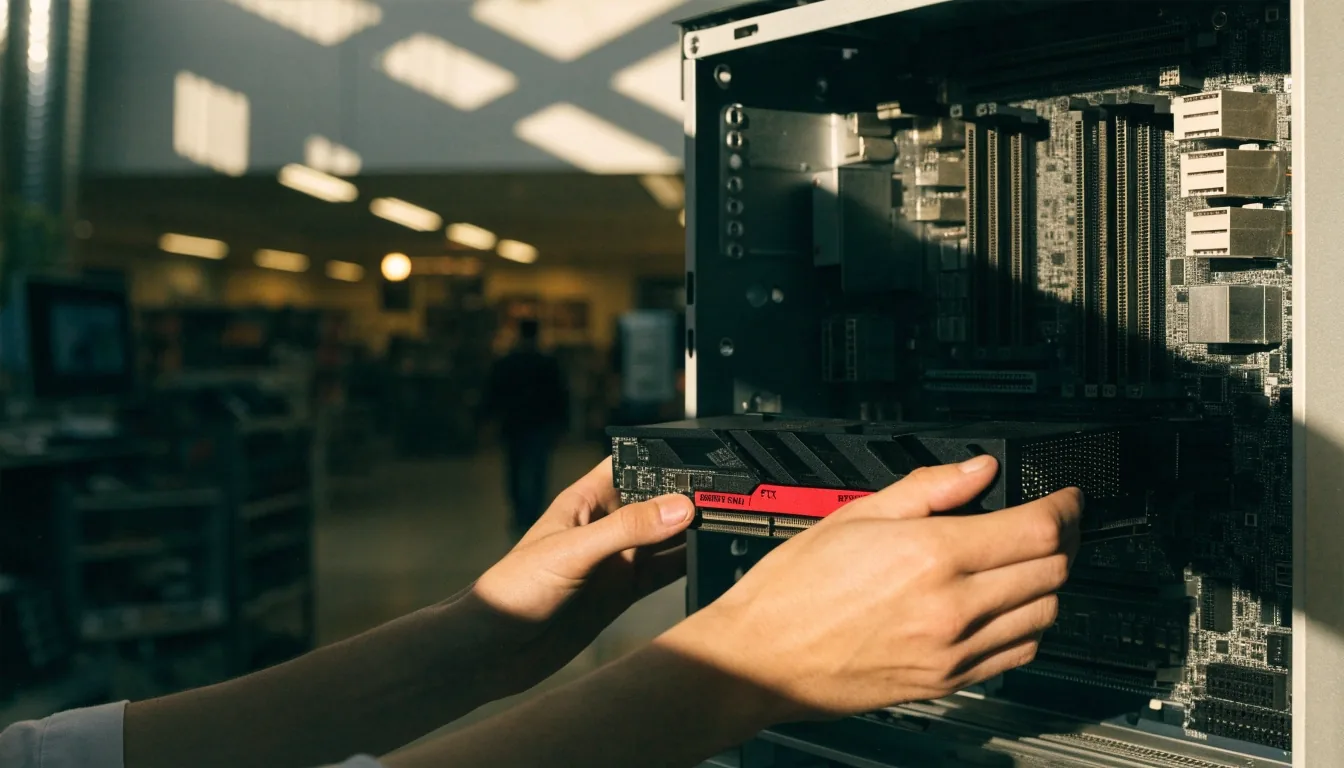
Flagship graphics card on a chrome tray inside a lit acrylic shelf, noon light raking the shroud

Fit checked before you buy

GPU Buying and Compatibility, Step by Step

A graphics card is a fit problem as much as a performance one. Five checks — slot, power, clearance, airflow, memory — in the order that stops a purchase becoming a return.

Ask us to check my build

Or read the five steps below first.

The order of operations matters

Work through the five checks in sequence and most surprises disappear before you pay. Written for Korean PC builders — first-time upgraders especially — where compact apartment cases and carry-over power supplies cause the most friction.

Step one: confirm the slot

NVIDIA's RTX 5090 user guide instructs installation in a PCI Express x16 slot, and that remains the standard full-length interface for modern discrete GPUs. Nearly every current gaming motherboard has one — usually the top slot nearest the CPU, reinforced and wired straight to the processor.

Check yours before anything else, and check that nothing blocks it. A thick tower cooler, a tall M.2 heatsink, or a front radiator hose can sit inside the card's footprint. It's a basic step that catches people who assume all slots are equal — a lower slot may run at reduced lanes, and it definitely runs hotter.

Before you order

Confirm your board has one unblocked full-length x16 slot with room above and below for a two- or three-slot cooler. That single check rules out most wrong purchases.

Close view of a PCI Express x16 slot and its latching tab under daylight
The top full-length slot, nearest the CPU
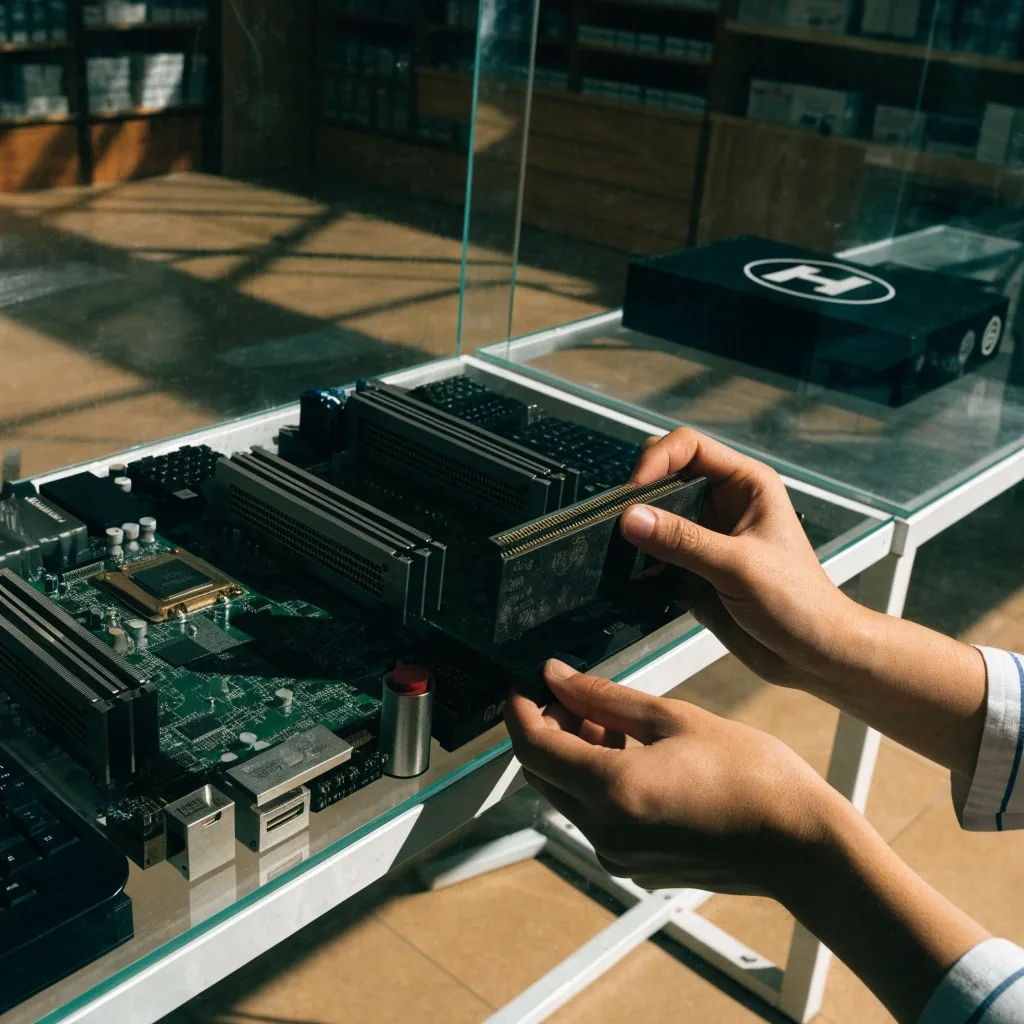
Hands lowering a graphics card toward an open PCIe x16 slot on a build bench

Power, clearance, and the two checks that come before money changes hands

Step two

Power supply headroom

Flagship cards draw serious power. The upper-midrange tier draws less, but not little. You need enough wattage for the GPU plus the rest of the system — CPU, drives, fans, RGB — and you need the right connectors on the cable, not on an adapter if you can avoid it.

A card that wants multiple power cables won't run happily on a supply built for an office PC. If you're moving up to a flagship, the power supply is often the part that changes alongside the card.

Step three

Case clearance

Modern GPUs, flagship boards especially, are long and thick. Before buying, measure from the slot to the front of your case and confirm the card fits with the power cables attached — the connectors add real depth behind the shroud.

Check radiator space too if you're considering a liquid-cooled model. Three-slot cards can also crowd out other components. Yeongdeungpo-gu apartment builds often use compact cases, so this step earns its place early.

Measure the numbers

What to write down

  • Case model, and the distance from the top slot to the case front.
  • Power supply model, wattage, and how many GPU cables it provides.
  • Number of intake fans and where the radiator (if any) sits.

Step four

Thermals and airflow

A card that runs hot throttles and gets loud, so airflow matters before clock speed does. Big air-cooled flagships want a clear path of intake air across the fans. Liquid-cooled boards move that heat to a radiator, and the radiator needs its own airflow — usually where you were planning to put the CPU cooler.

If your case has limited intake, the beefiest card isn't automatically the better pick. Take a photo of your fan layout, count the intake versus exhaust, and decide from there. In a Seoul summer, a card that fits but starves for air is still a card you'll regret.

Step five

Memory and VRAM

GDDR7 is the memory on current RTX 50-series partner boards, and some premium RTX 5090 models list 32GB. Memory type matters almost as much as the GPU chip now — partly because GDDR7 availability has been tied to wider memory-manufacturing pressure from AI demand. Samsung Electronics is one of the two major South Korean memory companies in that supply chain.

In practice, more VRAM helps with memory-heavy titles at high resolution and keeps a card useful longer. Ask what your monitor target is before assuming the bigger number is the safer number.

What Blackwell means for you

Blackwell is the current generation

Blackwell is the architecture behind the RTX 50 series, and Korean product pages for RTX 5090 partner cards reference it directly. It's positioned around performance and AI-era features, and it's behind the current generation's feature set, including DLSS 4.

For a buyer, the practical takeaway is simpler: a Blackwell card is a current-generation card, and that affects both the features you get and how long it stays relevant. You don't need the architecture deep dive to benefit from it — just to know that the board you're pricing is not last year's silicon.

How we choose what to stock

Matching the card to your monitor

Resolution and refresh rate determine which tier you need. Decide the monitor target first, then the card. Buying above your monitor wastes money; buying below it means you never see the smoothness you were paying for.

High-refresh 1440p

The upper-midrange tier lands here — the RTX 5070 Ti is the natural fit for a 1440p monitor with a high refresh rate, and it draws noticeably less than a flagship.

5070 Ti

4K and heavier ray tracing

The flagship RTX 5090 boards are the tier that keeps frame pacing comfortable at high resolution — and the tier that asks the most from your power supply and case.

RTX 5090

Standard 1440p or 1080p high refresh

You're paying for headroom you won't use if you go flagship here. Spend the difference on a supply, an SSD, or a quieter case.

Lower tier

Monitor you already own

Tell us the model and its refresh rate. That single number narrows the whole catalog faster than any benchmark chart.

Start here

Fit questions we answer every week

The same handful of situations come up again and again in Yeongdeungpo-gu builds. Open the ones that match yours — the answers stay the same whether you're measuring alone or asking us.

Will a three-slot card fit my compact case?

Measure the clearance from the slot to the case front and note how many expansion slots the card occupies. A three-slot cooler can cover a lower M.2 heatsink or a Wi-Fi card — that's the most common surprise in a compact build. If it doesn't physically fit, no driver update fixes it.

Does my 600W supply really run a flagship?

Wattage alone doesn't answer it. You also need the right number of GPU power cables and free connectors on the supply side, not daisy-chained through an adapter. Tell us your supply's model and its cable count, and we'll say whether it's adequate for the tier you're considering or whether the supply is the part to change first.

What is GDDR7, and does it change what I buy?

GDDR7 is the graphics memory on current RTX 50-series partner boards. It matters for two reasons: bandwidth, which feeds higher resolutions, and supply, which has been tight because of wider AI-driven demand. Samsung Electronics is one of the two major South Korean memory companies in that chain. Practically, more VRAM helps with memory-heavy titles and keeps a card useful longer.

I already bought the card. Can you still help?

Yes — bring the card model and the case and supply details, and we'll work out what's holding it back: a blocked slot, an underpowered supply, or restricted intake air. Most of the time the fix is one part, not a whole new build.

Distance view of a lit emerald shelf interior receding down a mall hall

Where to get your fit checked

If you'd rather not measure and cross-check yourself, bring us the numbers. Tell us your case model, power supply, and monitor, and we'll confirm whether a card fits and whether your supply is adequate. This kind of check is faster as a conversation than as a spec sheet.

Nova Meridian GPU Store sits at 21, Gukjegeumyung-ro, Yeongdeungpo-gu, Seoul, and our team is on hand Monday to Saturday, 10:00 to 20:00. Reach us at +82-2-780-5567 or [email protected], or send the details through the contact page.

Before you contact us

  • Your case model — or a photo of the interior with a ruler against the slot.
  • Your power supply model, its wattage, and how many GPU power cables it has.
  • The monitor you're building toward, including its resolution and refresh rate.
  • Where your intake fans sit and whether a radiator already occupies the front or top.

Mon – Sat, 10:00 – 20:00 · +82-2-780-5567