Nova Meridian GPU Store Nova Meridian GPU Store · Seoul
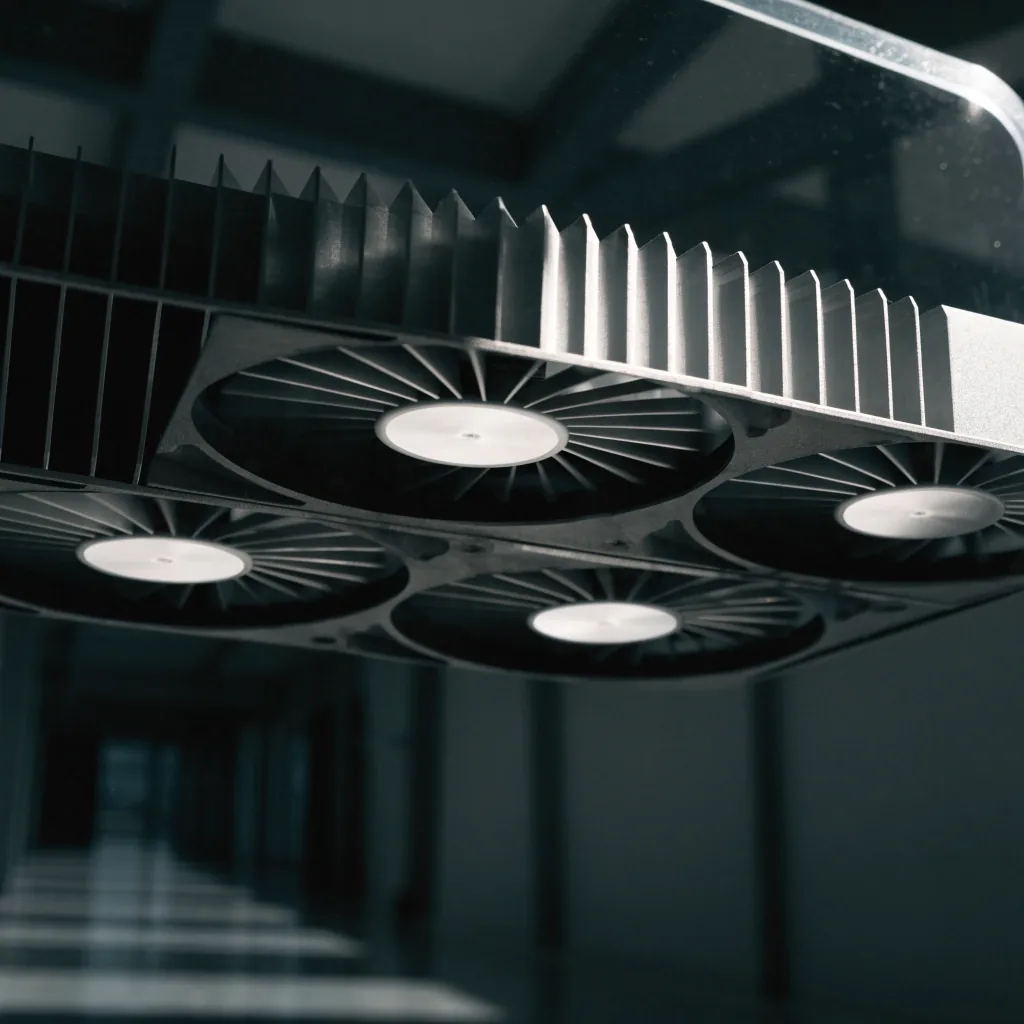
Triple-fan graphics card shroud angled under hard noon light on an acrylic shelf, dark hall falling away behind it
Graphics cards catalog

Browse graphics cards by what you play

Flagship RTX 5090 AIB cards and upper-midrange RTX 5070 Ti boards, sorted by tier with VRAM, cooling and factory overclock noted for each.

Jump to the tiers

How this catalog is built

The GPU families we cover, sorted by tier

This is a catalog view rather than a wall of unrelated hardware. Everything listed is a current RTX 50-series card or an AIB board built around one, and the pages are grouped so you can compare flagship against upper-midrange without scrolling past parts you did not ask about. Some boards are air-cooled, some arrive with a liquid loop, and most differ mainly in thermal design, factory overclock and physical size.

If a card you are looking for is not shown, ask us. Korean stock moves fast and the site lists families rather than freezing a shelf that would be stale within a fortnight.

Tier by tier

Flagship first, then the tier most builders actually buy

Flagship tier

RTX 5090 boards

The RTX 5090 heads the current GeForce line, built on the Blackwell architecture with GDDR7 memory. AIB partners push the same chip in different directions, and the two we cover most are ASUS's ROG Astral RTX 5090 and MSI's SUPRIM LIQUID SOC. The Astral sits in ASUS's top gaming line; the MSI board cools through a liquid loop for lower temperatures and quieter operation.

Both target buyers who want the most performance available and already have the case clearance and power supply to support it. This tier is where 4K, heavy ray tracing and AI workloads land.

Blackwell, GDDR7 Air or liquid loop

Upper-midrange

RTX 5070 Ti

The tier most Korean gamers actually shop. A value-heavy step into high-refresh 1440p and entry-level 4K, with partner boards differentiated by multi-fan cooling and factory overclocks.

Across brands

Radeon at the same level

AMD's upper-mainstream Radeon cards compete at this tier, so it is fair to compare across brands here instead of staying inside one wall of boards.

Read the RTX 5070 Ti guide

Liquid-cooling loop and cold plate on a high-end graphics card under cool bright daylight

Memory matters now

32GB of GDDR7 and what VRAM changes

Some premium RTX 5090 boards list 32GB of GDDR7. Memory size and memory type both matter now, partly because GDDR7 supply has been tight and tied to broader AI-driven memory demand. Samsung Electronics is one of the two major South Korean memory makers in that chain.

More VRAM helps with memory-hungry titles and with keeping a card useful for longer, which is why it keeps coming up in buying conversations here. If you split your time between gaming and AI work, the higher-memory boards are the ones worth pricing first.

Air cooling versus liquid cooling

Neither is universally right. The choice usually comes down to how much room your case has, how much noise you tolerate, and whether you enjoy servicing a loop.

Straightforward choice

Air-cooled boards

Air-cooled boards are the simple route. They install without routing a pump or radiator, there are fewer moving parts to fail, and a dusty heatsink can be cleaned in place during a normal service. In a mid-tower case with decent intake, a well-built triple-fan board holds its clocks without any extra plumbing.

Quiet and cool

Liquid-cooled boards

Liquid models such as the SUPRIM LIQUID SOC aim at lower temperatures and less noise, which suits showcase builds and small rooms where fan noise carries. They need radiator space and a plan for cable routing, and you should be comfortable checking fittings and fluid on a schedule.

A practical rule: choose air if you value the fewest moving parts, and liquid if quiet operation and thermal headroom decide how much you enjoy the machine. Whichever way you lean, check the clearance before you buy.

The same GPU, measured four ways

Two boards with the same chip can behave differently because of factory overclock, cooling capacity and power delivery. A higher factory OC usually pairs with a beefier cooler, which also means a longer, thicker card. In a Korean market where cases range from compact to full tower, that physical difference decides fit more often than the clock numbers do.

Memory type GDDR7
Memory size to look for Up to 32GB
Cooling, air vs liquid Air or loop
Board length varies with cooling Check your case
Factory overclock included Varies by AIB

Measure the inside of your case before you fixate on clock figures. Clearance, power connector position and airflow path decide whether a board feels right in your build, and those numbers are easier to confirm from a photo of your case than from a spec table.

Comparing for 1440p, 4K and AI work

Your use case narrows the field fast. Most buyers only need two of these three categories, so name yours and the shortlist shrinks to a handful of boards.

High-refresh 1440p

Upper-midrange covers it

For 1440p at high refresh, the RTX 5070 Ti tier covers most needs, leaves budget for a faster panel, and runs comfortably in a mid-tower case.

4K and ray tracing

Flagship tier is where you look

4K with heavier ray tracing pushes into the RTX 5090 boards, where the extra memory and throughput earn their place in the frame.

Creating and AI work

Lean on memory and throughput

Creators and AI workloads lean toward more VRAM and the flagship's throughput, especially where models or timelines stop fitting in memory.

Fit before clocks

Seat the card in the slot you actually have

A board is only the right board if it drops into your case and reaches your power supply. Take a photo of the open case before you order and check three things: the slot rows below the PCIe x16 slot, the gap to the front intake, and whether the side panel closes without pressing on the power cable.

Send that photo with the model you are considering and we will tell you what typically fits and what does not. It is quicker than guessing from a spec page, and it is the same check we run before we describe a board as a fit for a build.

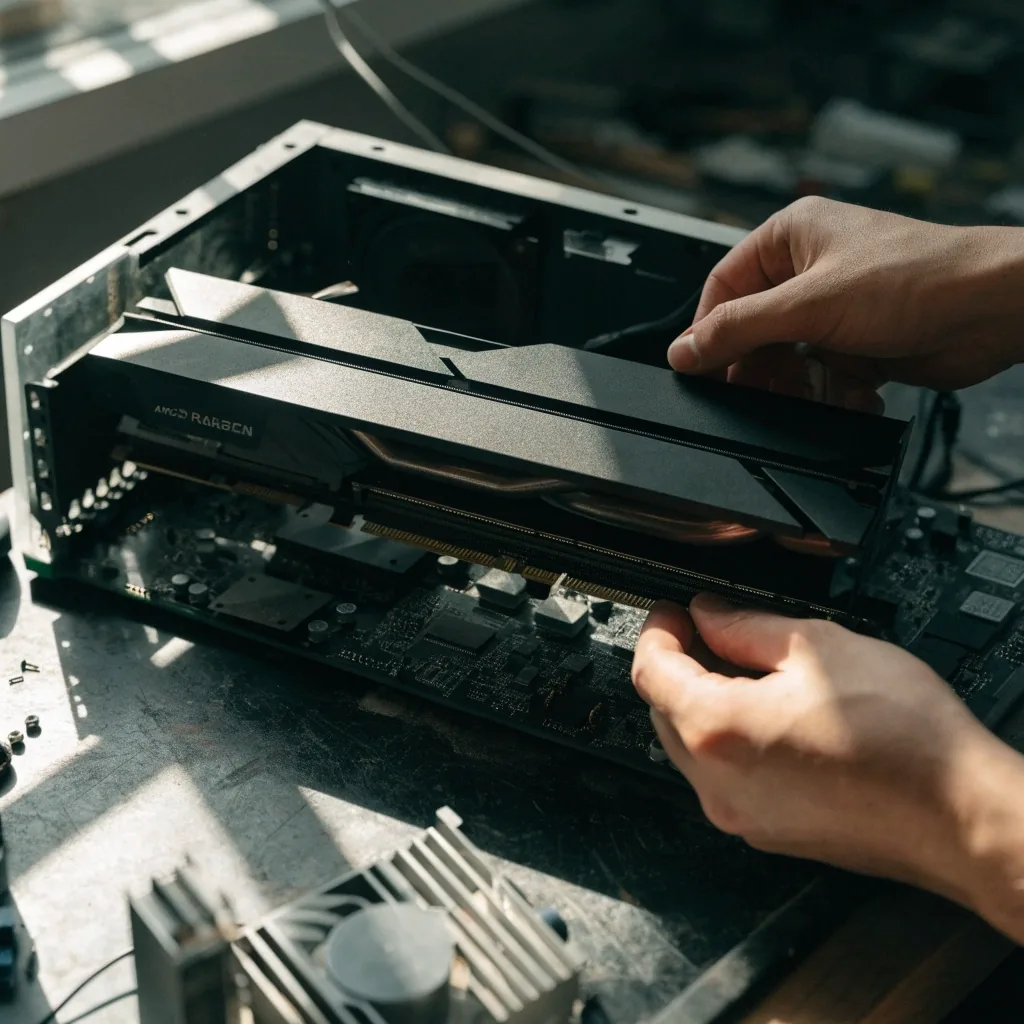
Hands lowering a graphics card toward an open PCIe x16 slot on a work bench

Stock and revisions

Listings change, and that is the honest version

GPU listings change when a partner revises a board, when a new variant appears, or when stock moves. We do not freeze a catalog that cannot stay accurate. Instead we describe families and flag when you should ask for current availability.

Flagship cards move especially fast, and prices can shift week to week. That is a market feature rather than a gap in the listing, and it is also why the guide pages talk about tiers and board design rather than promising a fixed shelf.

Our selection and stock guidance page explains how we phrase availability advice and when we tell you to confirm before travelling.

Questions shoppers ask before choosing a card

Is the RTX 5090 overkill for 1440p?

For a high-refresh 1440p monitor, the upper-midrange tier covers most games well and leaves budget for a faster panel. The flagship tier is worth pricing when you also play at 4K, lean on ray tracing, or run AI work on the same machine.

How much VRAM should I be looking at?

Memory size and type both matter. Some premium RTX 5090 boards list 32GB of GDDR7, which helps with memory-hungry titles and keeps a card useful for longer. Upper-midrange boards carry less memory by design and are matched to 1440p work.

Do I need a new power supply for a flagship board?

Flagship boards draw more power and often use newer connectors, so the wattage on your current unit and the cable ends it offers both matter. Tell us what you run now and we will say whether a card in this tier is a realistic fit.

Can I compare a Radeon card at the same tier?

Yes. AMD's upper-mainstream cards compete at the upper-midrange level, so it is fair to weigh them against an RTX 5070 Ti if the games and features you use matter more than the badge on the shroud.

Tell us the model and what you are building

If you have settled on a card, tell us which one and roughly what you are building, and we will confirm what is typically available and whether it fits. If you are still between two boards, describe your monitor, power supply and case and we will steer you. Either way, a short message beats guessing from a stale spec page.

Weekday and Saturday replies, 10:00 to 20:00. Call +82-2-780-5567 or write to [email protected] and we will pick it up from there.