Nova Meridian GPU Store Nova Meridian GPU Store · Seoul
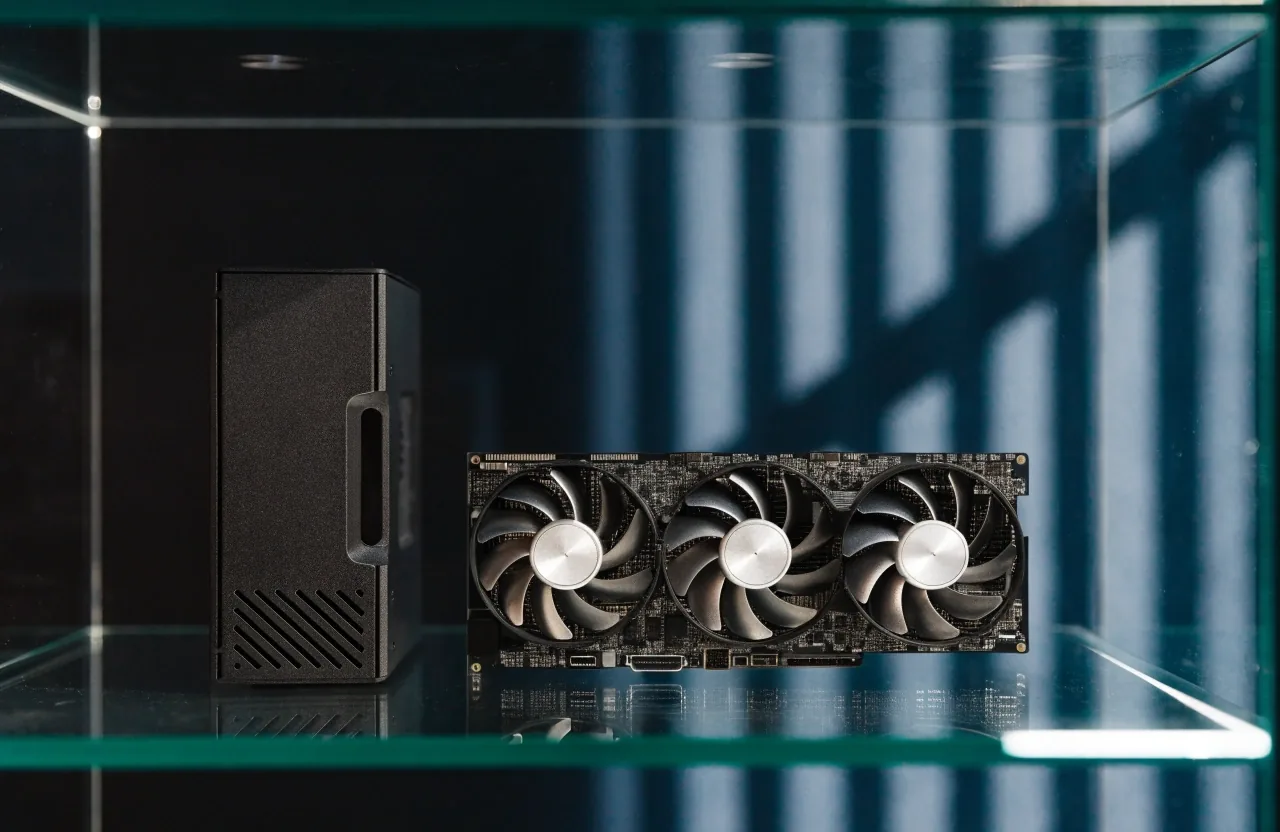
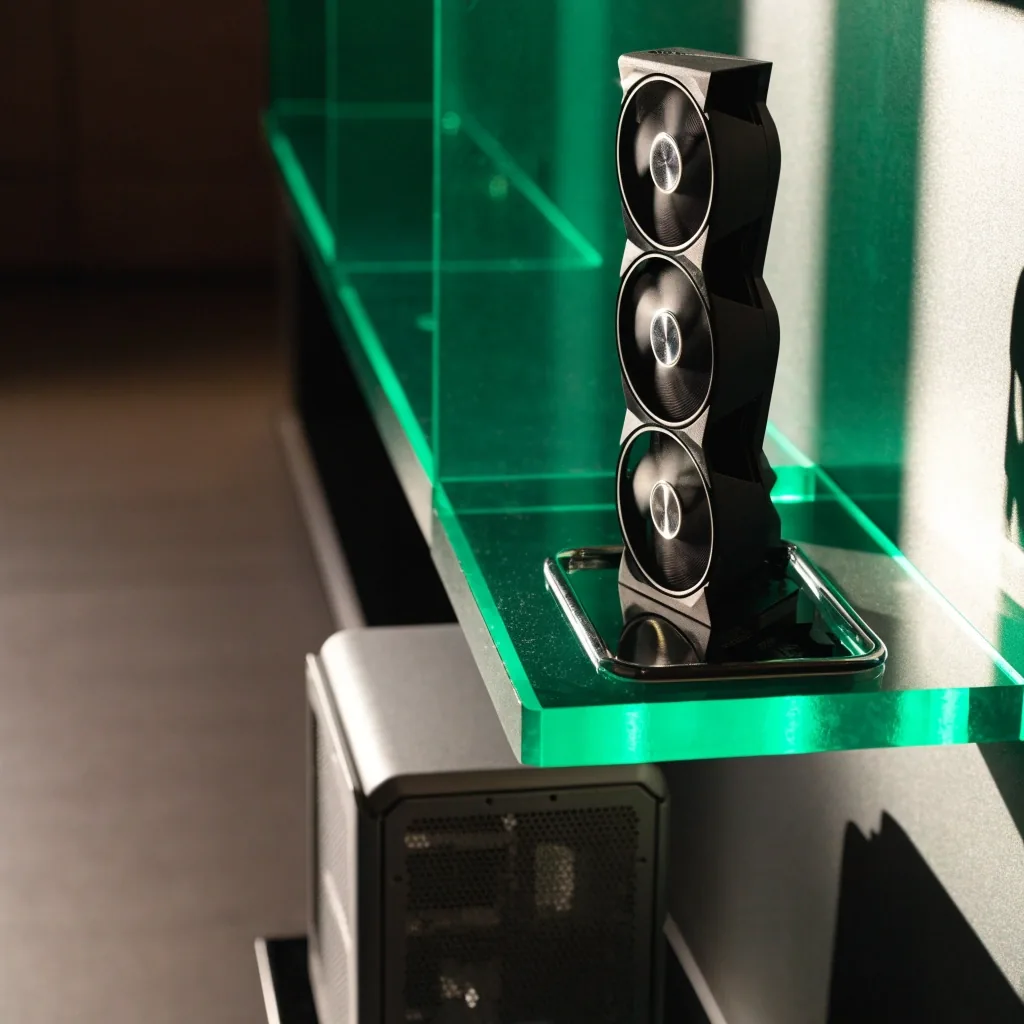
An upper-midrange triple-fan graphics card on a chrome tray inside a lit acrylic shelf, with a small PC case beside it for size reference
Upper-midrange tier

RTX 5070 Ti: the upper-midrange starting point

The GeForce RTX 5070 Ti is the tier most Korean gamers should look at first. This guide explains why, and when it is the wrong card for your monitor.

Browse the graphics cards catalog

Where the 5070 Ti sits in the lineup

The RTX 5070 Ti is a GeForce RTX 50-series tier positioned below the RTX 5080. That placement is the whole point: it's the upper-midrange option that gives you most of the modern feature set without flagship power and space demands. Partner boards build around the same GPU and separate themselves with multi-fan coolers and factory overclocks.

It's a launch-tier card rather than a top-of-stack halo product, and that's fine for the majority of builds. If you are coming from a card two or three generations old, the move to this tier is where the modern feature set actually shows up in games you already play.

The question isn't whether it's good. It's whether it fits your monitor, your refresh rate, and your budget better than jumping to a flagship. Work that out first, and the rest of this page is a short conversation.

Tier position

Below RTX 5080

Home resolution

1440p, high refresh

Feature line

DLSS 4 generation

Read these three lines against your own monitor before you read anything else on the page.

What it's genuinely good for

High-refresh 1440p is this card's home. It handles modern titles at 1440p with high frame rates, and it can push entry-level 4K if you're willing to tune settings. Match the tier to the panel in front of you.

1440p at 144Hz and above

This is where the RTX 5070 Ti for 1440p stops being a compromise. On a 1440p panel at 144Hz or higher, this tier is where you get the smoothness you're paying for, without a card sized for a workstation.

Panel match 1440p / high refresh

Entry-level 4K, tuned

It can push 4K if you accept sensible settings rather than maximum ones.

The tier above 4K maximum

On a 4K panel at 144Hz with settings maxed in every title, you are shopping one tier up.

The jump question

RTX 5070 Ti

Covers 1440p well and costs far less. For 1440p gaming, this is usually the sensible ceiling.

RTX 5090

Faster in the ways a flagship usually is: more headroom, more VRAM, more capacity for 4K and heavy ray tracing.

The jump is worth it only if your monitor and workloads actually use the flagship's extra capacity. Buy the flagship for 4K and creator work, not for a 1440p monitor.

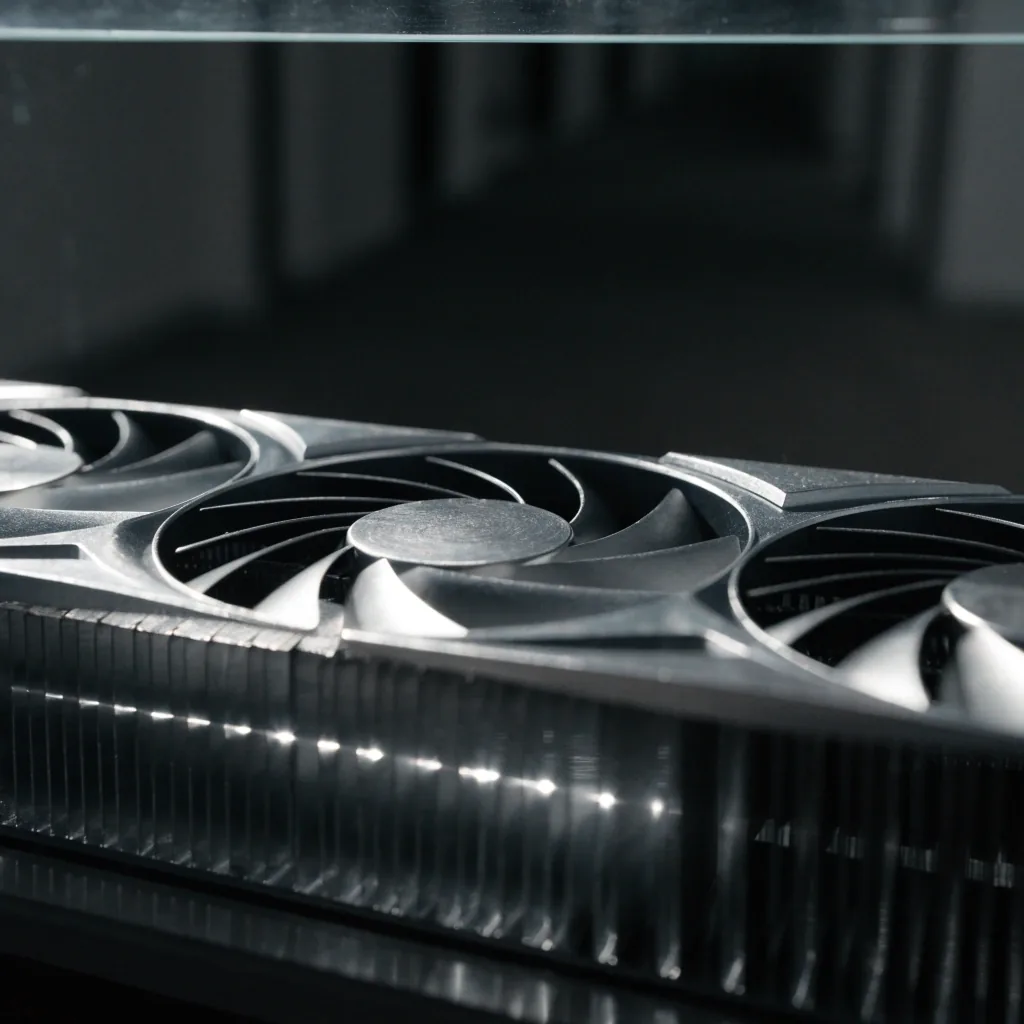
Three-quarter macro of a triple-fan graphics card shroud with noon light skating across the fins

DLSS 4 and why feature support matters

DLSS 4 is tied to the current GeForce generation, so the 5070 Ti has access to it while older cards don't. It's usually discussed alongside frame generation and image reconstruction, and NVIDIA partner pages in Korea market it heavily with RTX 50-series cards. That matters because it changes real in-game smoothness, not just benchmark numbers.

Frame generation Supported
Image reconstruction Supported
Generation RTX 50-series

Feature support is part of the value, not a footnote. When you pick a tier, you are also picking the generation of features you will be able to switch on for years.

How it compares with AMD's upper-mainstream cards

Korean buyers often compare the 5070 Ti with AMD's upper-mainstream Radeon offerings, and that's a fair comparison to make. The honest split is about which strength you actually use.

Where GeForce lines up ahead

If frame generation and image reconstruction matter to your games, that tilts toward the 5070 Ti. DLSS 4 and the broader feature set are the reason most Korean buyers stay in the RTX 50-series lineup at this tier.

Where AMD makes its case

AMD competes on value and raw performance per won in some cases. If you want the most frames per budget and you don't lean on frame generation, compare carefully before you commit either way.

VRAM and the memory question

VRAM comes up constantly, and it's a real consideration, not paranoia. More VRAM helps with memory-heavy titles and keeps a card useful longer, which is why premium 5090 boards list 32GB of GDDR7. The 5070 Ti's memory is smaller, and for 1440p that's usually fine.

If you play in a way that routinely pushes memory hard, or you keep a card for many years, weigh that in. For most 1440p builds, it isn't the deciding factor. It is the honest caveat on this tier, and we would rather you hear it from us now than discover it later.

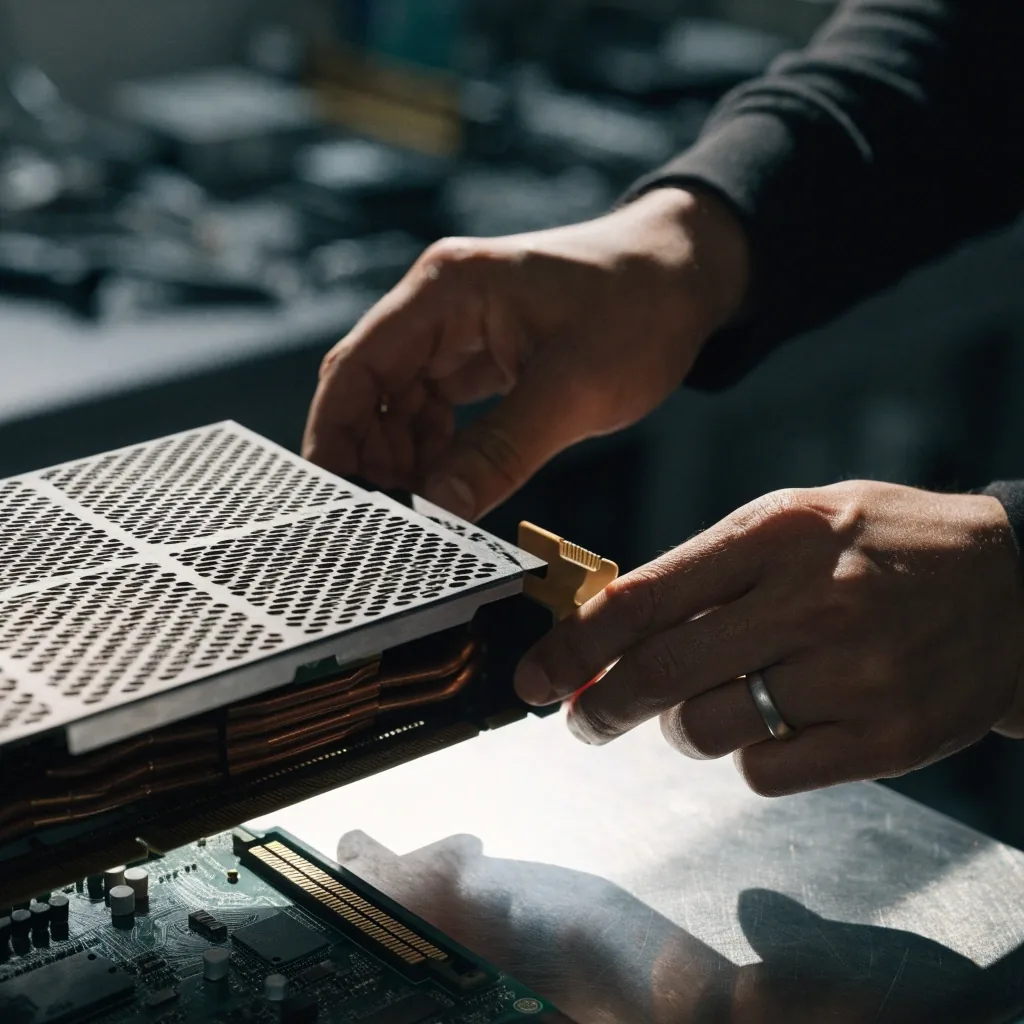
A graphics card PCB and its memory modules seen from a low three-quarter angle on a bare work surface
Memory matters most when a title streams large textures for hours. We talk through that during a build check.

Board choice

Factory overclock and board choice

Board partners use factory overclocks and multi-fan cooling to differentiate their 5070 Ti SKUs. A higher OC usually comes with a bigger cooler and a longer card, which matters for smaller Korean cases. The performance gap between variants is modest, so fit and noise often decide more than clocks.

Clocks

Modest gap

Variant-to-variant clock differences rarely change what you feel in a game.

Cooler

The real product

What you're really paying for is the bigger cooler that comes with a higher factory OC.

Case fit

Check first

Longer cards with triple fans can crowd a compact Korean mid-tower with a front radiator.

Check dimensions against your case and pick a cooler you're comfortable living with. If you are unsure, we can compare your case's stated clearance against the board's length before you order.

Deciding on your target, then your card

Work backwards from your monitor. If it's 1440p high refresh, the 5070 Ti tier is the natural fit. If it's 4K and you want settings maxed, look higher. If frame generation features matter, stay in the GeForce line.

Once the target is clear, the card choice is mostly about cooling and size, and we're happy to help with that step.

Before you order

Three things we check with you

  • Your monitor's resolution and refresh rate

    The single fact that decides whether this tier is right or one step too low.

  • Your case's GPU clearance and power budget

    Board length, cooler thickness and connector clearance, measured against your case.

  • Noise and airflow in your current build

    A quieter, cooler variant is sometimes the better spend than a faster clock.

Two hands lowering a graphics card into an open PCIe x16 slot on a work surface

Questions we get about this tier

Is the RTX 5070 Ti enough for 1440p at high refresh? +

For most modern titles at 1440p, yes. It's positioned as the value-heavy step into high-refresh 1440p. If you want maximum settings at very high frame rates in the heaviest games, consider the next tier up.

Should I buy a 5070 Ti or save for an RTX 5090? +

Only go flagship if your monitor and workloads use the extra capacity. For a 1440p gaming setup, the 5070 Ti is usually the more sensible spend. The 5090 makes sense for 4K, heavy ray tracing, and creator work.

Does DLSS 4 change which card I should buy? +

It's tied to the current GeForce generation, so the 5070 Ti has it and older cards don't. If frame generation and image reconstruction matter to your games, that's a reason to stay in the RTX 50-series lineup.

Is a factory-overclocked 5070 Ti worth the extra cost? +

The clock difference between variants is modest. What you're really paying for is the bigger cooler that comes with it, which affects noise and fit more than performance. Pick based on your case and noise tolerance.

Your next step

Check the tier against your own monitor, then pick the board

Send us your monitor model, case and power supply, and we will tell you plainly whether the 5070 Ti fits or whether your money goes further one tier up. We are on the shelf at Yeongdeungpo, Monday to Saturday.